Ogni giorno offriamo programmi GRATUITI che altrimenti dovresti comprare!
Giveaway of the day — Joyoshare Screen Recorder 2.0.3
Joyoshare Screen Recorder 2.0.3 era disponibile come app gratuita il 24 dicembre 2019!

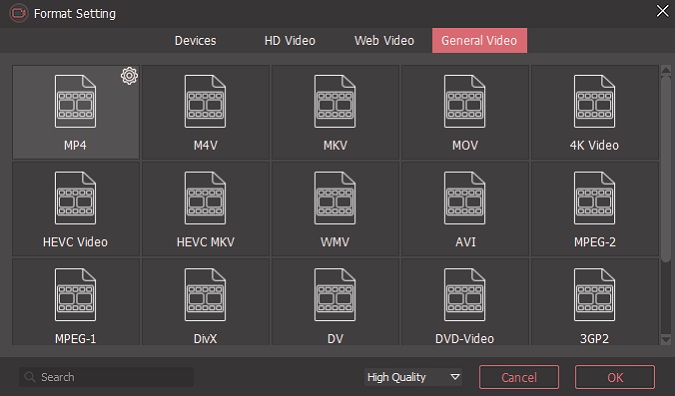
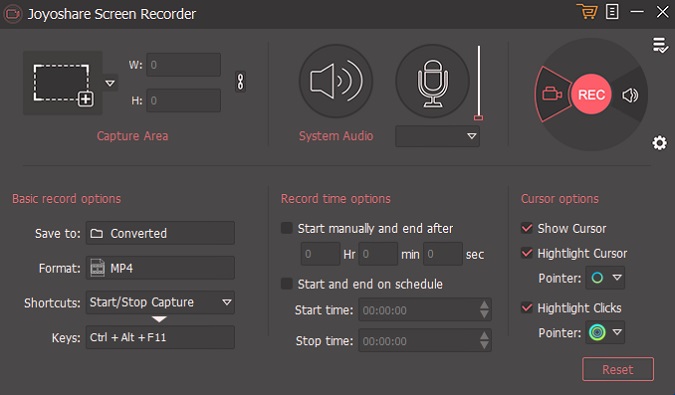
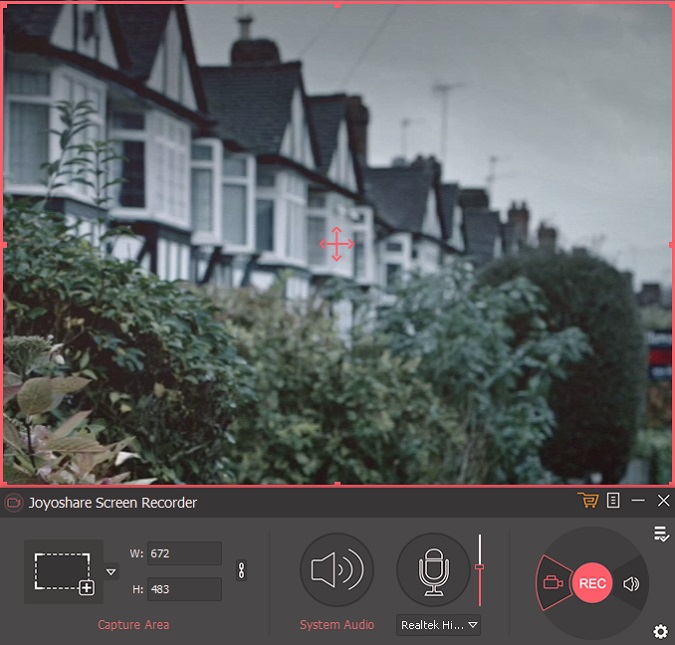
Joyoshare Screen Recorder for Windows è il programma più avanzato per la registrazione dello schermo. Non solo è un video registratore ma serve anche come un registratore audio dello schermo, come lezioni, chat dal vivo, film in streaming, chiamate Skype, ecc. a pieno schermo e salvare il video e l'audio in HD, MP4, AVI, FLV, MOV, SWF, MP3, AAC, M4A, M4B, ecc. Una volta registrato, puoi riprodurre e condividerlo con qualsiasi dispositivo comune come iPhone, Android, Smart TV, ecc senza perdita di qualità.
The current text is the result of machine translation. You can help us improve it.
Requisiti di Sistema:
Windows 10/ 8/ 7/ Vista/ XP
Produttore:
Joyoshare StudioHomepage:
https://www.joyoshare.com/screen-recorder-for-win/Dimensione File:
16.7 MB
Prezzo:
$29.95
Programmi correlati
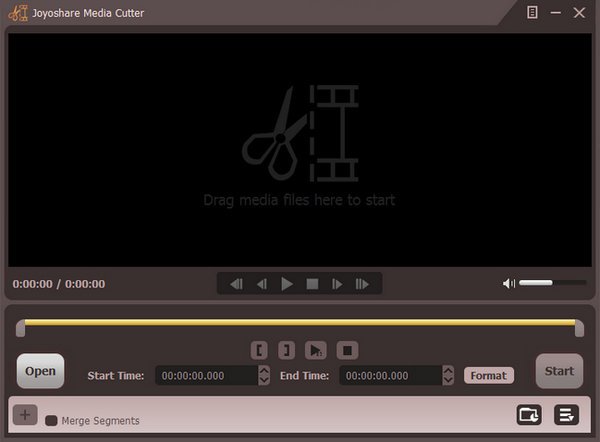
Tool per dividere video facile da utilizzare per tagliare file audio e video compresi AVI, MP4, MPEG, VOB, WMV, ASF, RM, RMVB, 3GP, AAC, MP3, WMA, M4R, ecc. È la tua migliore scelta per tagliare e convertire video/audio in diversi tipi di formati multimediali e anche per estrarre l'audio dai file video.
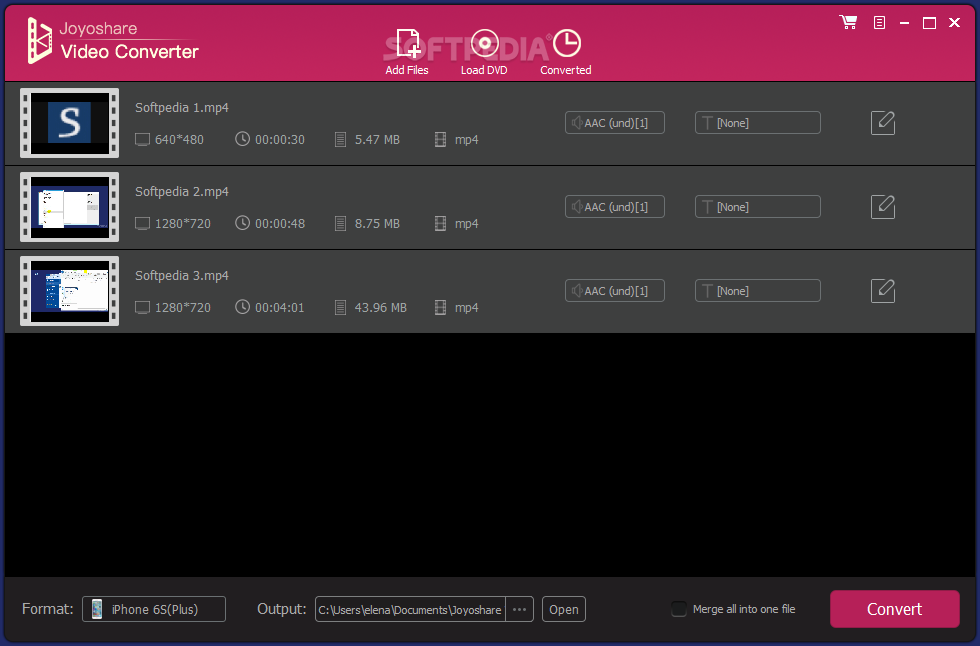
Uno dei migliori programmi per convertire video per convertire tra oltre 150 formati video e audio, come MP4, M4V, MOV, MKV, FLV, AVI, WMV, WAV, MP3, OGG, M4A, ecc. e rippare DVD in diversi formati e dispositivi mobili, compresi Apple iPhone, Samsung Galaxy, HTC, Xbox, PS4, ecc. Inoltre, ti permette di editare qualsiasi video con diversi effetti come tagliare, ritagliare, dividere, ruotare video, ecc.
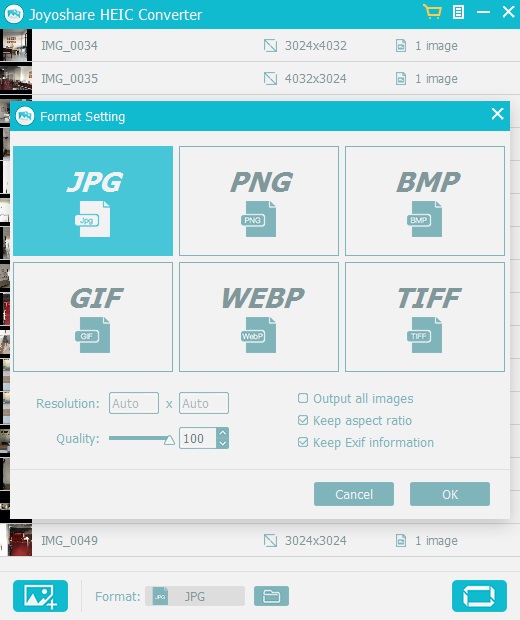
Convertitore iOS per foto per convertire immagini Apple iOS su iPhone X, iPhone 8/8 Plus, iPhone 7/7Plus da HEIC/HEIF to JPG, PNG, TIFF, GIF, BMP, WEBP senza distorsione dell'immagine. Con l'aiuto di questo potente convertitore HEIC in PNG, puoi liberamente condividere e visualizzare qualsiasi foto HEIC su qualsiasi programma di foto, dispositivo mobile e Windows.
GIVEAWAY download basket




App gratis per iPhone »





App gratis per Android »





Commenti su Joyoshare Screen Recorder 2.0.3
Please add a comment explaining the reason behind your vote.
I tried it here and it worked well grabbing a youtube screen and then playing it in its own player. It either will not save to an MP4 on disc for viewing in other players or the way to accomplish a save to disc eluded me. The quality of the capture was as good as I could hope for. If this could save to a standalone MP4, it'd be worth the cost, but as things stand, I can't use it.
Save | Cancel
I wanted to try the Joyoshare Recorder, but instead of being free (no money), but un untested recommendation seems to be required now, vis-a-vis "Share and download!". I cannot understand this new cost (untested recommendation on my Facebook page). If I were to try the product and like it, I'd gladly offer my opinion after trying it.
Save | Cancel
Bob EARLY, If you took a second to read further down. You can also get an email link (without sharing) You can even use a temporary email address to get it. Easy Peasy
Save | Cancel
Easy to use program, and the quality is nice.
Save | Cancel
Dusty, When I record videos on desktop, I used MP4; and when I want to capture audio, I used MP3 format. I also tried M4V for videos, but haven't tried all of them.
Save | Cancel
Joyoshare Screen Recorder is a bit rudimentary, but it works, and it does capture audio if you’ve got one of those laptops or PCs that won’t let you record what you hear from the speakers or headphones. On the downside, you really don’t have any control over that audio, e.g. you can’t set the sample rate like you could using a sound card or on-board audio chipset. A big technical challenge with screen recording is getting all the data that’s captured written to storage in real time. That’s why there’s game capture hardware – it’s designed to efficiently handle encoding rather than relying on the CPU, giving you a compressed data stream small enough that can be written to disk. You might be able to use the graphics processor instead, e.g. AMD’s ReLive or Nvidia’s ShadowPlay, or just rely on the recording software being optimized, e.g. using Windows 10’s Xbox Gamebar. Screen recording software can perform more efficiently if they use a video codec designed for fast capture – unfortunately Joyoshare Screen Recorder uses ffmpeg, which is not.
Besides the program’s folder [214 Files, 16 folders, ~58 MB] folders are added to My Documents & Users\ [UserName]\ AppData\ Local. The registry just gets a new Joyoshare & an uninstall key.
Note: Why do you see more RE: “Game” capture than “Screen” capture? Part of it is the popularity of game streaming, but a big part is DRM. You can record something like a tutorial using game capture hardware or Windows 10’s built-in capture same as you can a game, but they don’t want you recording video playing back at HD rez. That’s a slot that Joyoshare Screen Recorder could fit into, if only it was a bit faster, using something besides ffmpeg.
Save | Cancel
1-year license... ONLY ???
Sorry but I'll stick w/Allavsoft !!
Allavsoft screen recorder... much better app anyway.
Save | Cancel