Ogni giorno offriamo programmi GRATUITI che altrimenti dovresti comprare!
Giveaway of the day — Blob Studio 1.21
Blob Studio 1.21 era disponibile come app gratuita il 11 gennaio 2019!
Blob Studio è un prodotto nato da TwistedBrush Pro Studio ma concentrato sulla creazione di oggetti individuali che potresti utilizzare in altri programmi Pro Studio o programmi d'arte e con una interfaccia più semplice e diretta. I pennelli Blob ti permette di modellare e modellare i tuoi oggetti e poi pitturarle con i pennelli inclusi con risultati di linee chiare che potresti vedere nel programma di illustrazione ma senza bisogno di mascherare niente. Puoi persino continuare a modellare i tuoi oggetti dopo che vengono dipinti.
The current text is the result of machine translation. You can help us improve it.
Requisiti di Sistema:
Windows XP/ Vista/ 7/ 8/ 10; 500MB disk space; 1024x768 minimum display resolution; 4GB RAM (8GB or more recommended)
Produttore:
Pixarra Inc.Homepage:
http://www.pixarra.com/blob_studio.htmlDimensione File:
34.1 MB
Prezzo:
$29.00
Programmi correlati
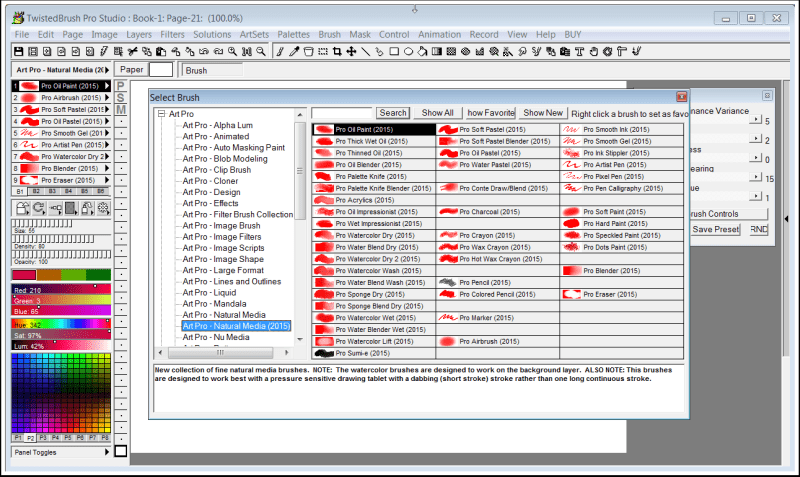
TwistedBrush Pro Studio è un programma per gli artisti digitali di qualsiasi livello: dall'inesperto al professionista. Forte concentrazione sulla pittura multimediale naturale, foto editing e stili illustrativi. TwistedBrush contiene oltre 9000 pennelli in oltre 250 ArtSet!
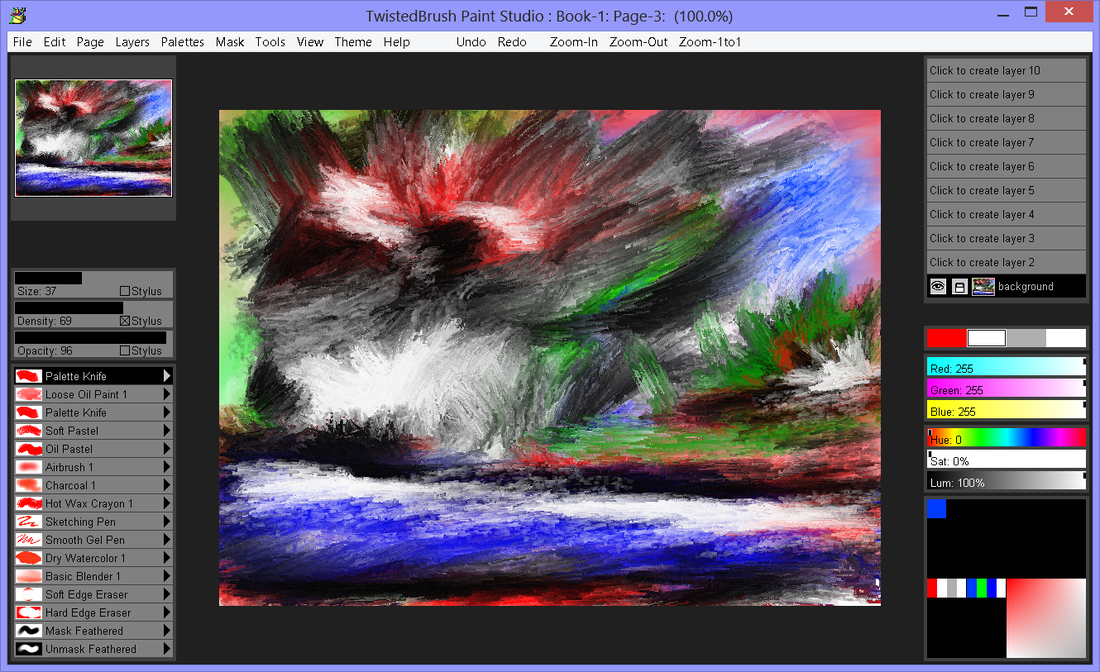
Pittura e disegno con pennelli media naturali Paint Studio non fa compromessi offrendo il meglio del motore di pittura di TwistedBrush. Presentato con una interfaccia che's si adatta perfettamente per la creazione di lavoro artistico nuovo utilizzando pennelli espressivi da pitture ad olio bagnati e spessi e colori ad acqua fluidi a pastelli ad olio e pennelli sottili e tutto il resto.
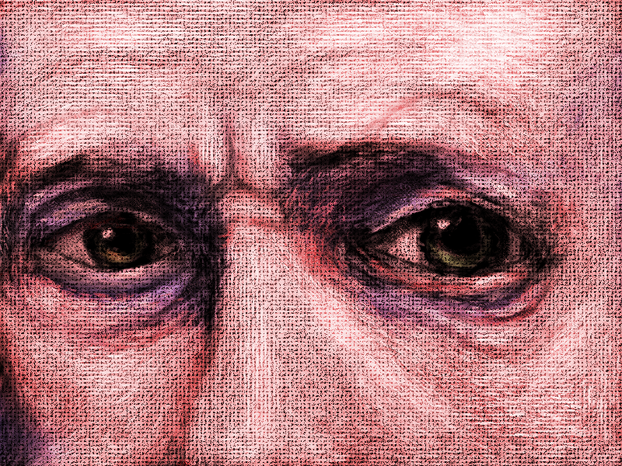
Luminance Studio è un prodotto Pixarra della serie Studio con una concentrazione sulla pittura con luminescenza sia per media naturali e stile di progettazione dei lavori d'arte. È forte del successo di altri prodotti Studio di Pixarra, offrendo a te, artista, un tool dedicato per raggiungere la tua visione più velocemente e nel migliore dei modi rispetto ad altre opzioni.
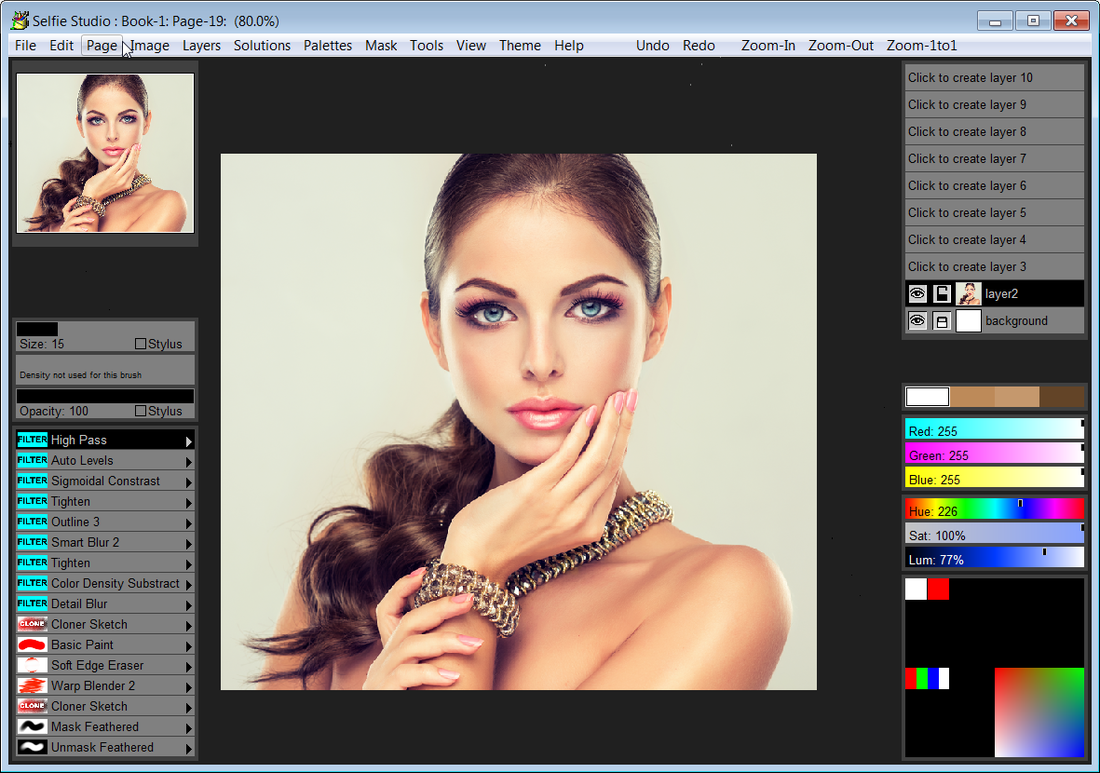
Selfie Studio ti offre i tool creativi per editare le tue foto per ottenere proprio l'aspetti che vuoi.
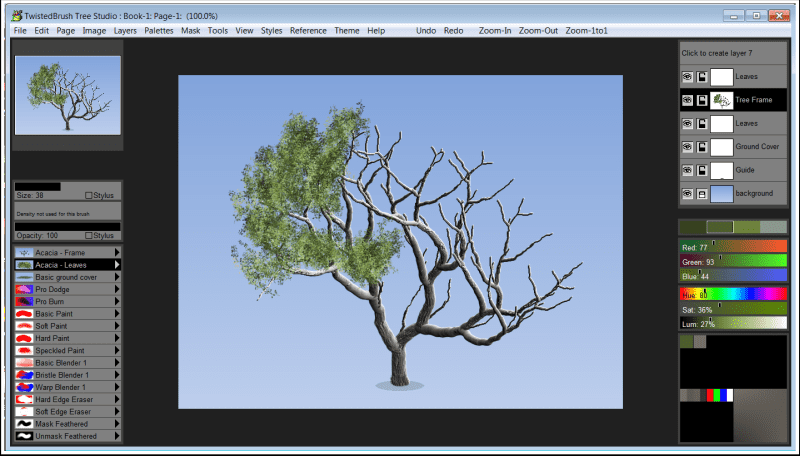
Tree Studio è un prodotto nato da TwistedBrush Pro Studio ma concentrato sulla creazione ad albero 2D con una interfaccia più semplice e diretta. Tree Studio ha delle coppie di pennelli per ogni tipo di albero. Uno per la cornice e uno per le foglie. La cornice viene generata sulla base di un algoritmo per cui sarà diverso ogni volta. Questo permette di creare una varietà infinita di tipi di alberi.
GIVEAWAY download basket
App gratis per iPhone »




App gratis per Android »


Commenti su Blob Studio 1.21
Please add a comment explaining the reason behind your vote.
Just a few results/exports:
https://ootjegotd.stackstorage.com/s/mcDzUlxKDD6Aa5C
I think it is necessary to see the video, they are offering.
After 3 minute there is an example of making something and it looks very nice:
http://www.screencast.com/t/lGRL08IBfWB
Save | Cancel
Ootje,
While I'm thinking about it today: thank you for frequently posting your examples of many of the daily giveaway results/output/exports/etc. for the rest of us to preview prior to downloading and installing ourselves.
In the absence of former attending super-reviewers of the past, the time and effort you have spent over the last many months has saved me (and no doubt many others) much of our own time and effort.
(That's not to say I don't also appreciate the often-useful posts with insights/observations/recommendations/etc. by present day commenters "mike", "TK", and many other regular contributors here -- many thanks to you guys as well!; but Ootje typically posts links to his own example results.)
Carry on!
Save | Cancel
Downloaded and installed without a hitch. Registration key worked from copy and paste from the readme file, not the popup window.
My first run with the program, after watching the tutorial video a link was generously posted to in a previous comment here, was a great success. I made a decent looking red bell pepper. The layers can be switched by dragging and dropping into the layer position you want the layer to occupy. Saving was easy, as it should be, with multiple format choices if you click on the format field in your save window.
Someone said the program is not easy to learn for someone that does not have digital painting experience. I have to respectfully disagree with that statement. It may be hard for that person, but to me the learning curve is a really short one. In less than 15 minutes i had my first blob image completed! I'd say for a first run, that's pretty good.
I recommend this program to all who want to have a way to create things they would like to add to their images. Just save your blob in .png format, and you can use that image in any image you are creating. If you just want to use it as is, you can save in any of the other available formats.
Hope this helps.
Cheers!
Save | Cancel